On this page
Start with an access map
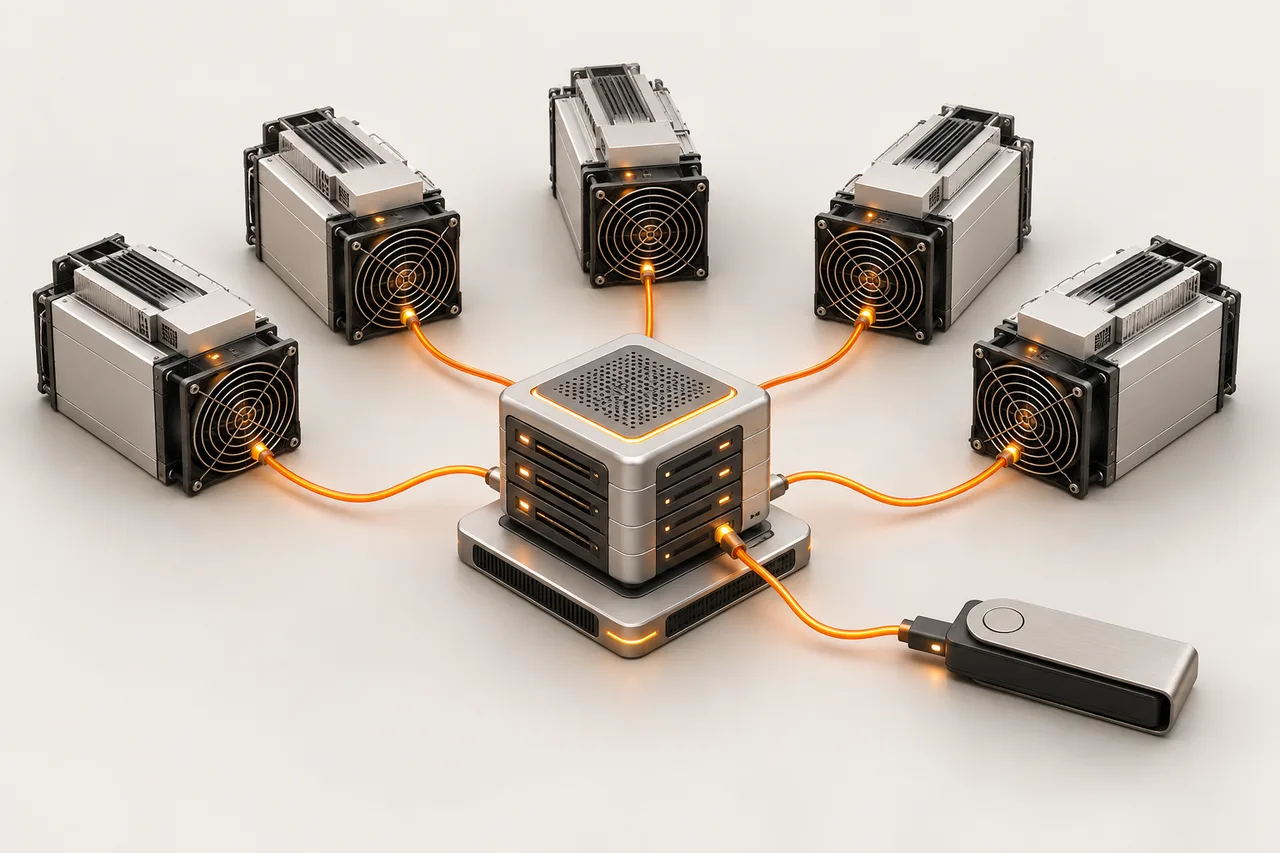
List miners, management computers, monitoring systems, switches and the router. For each one, record who administers it and why it needs network access. Keep serial number, worker name and local IP together. This turns an unexpected pool destination or unknown device into something you can investigate rather than an anonymous entry in a scan.
Limit the management surface
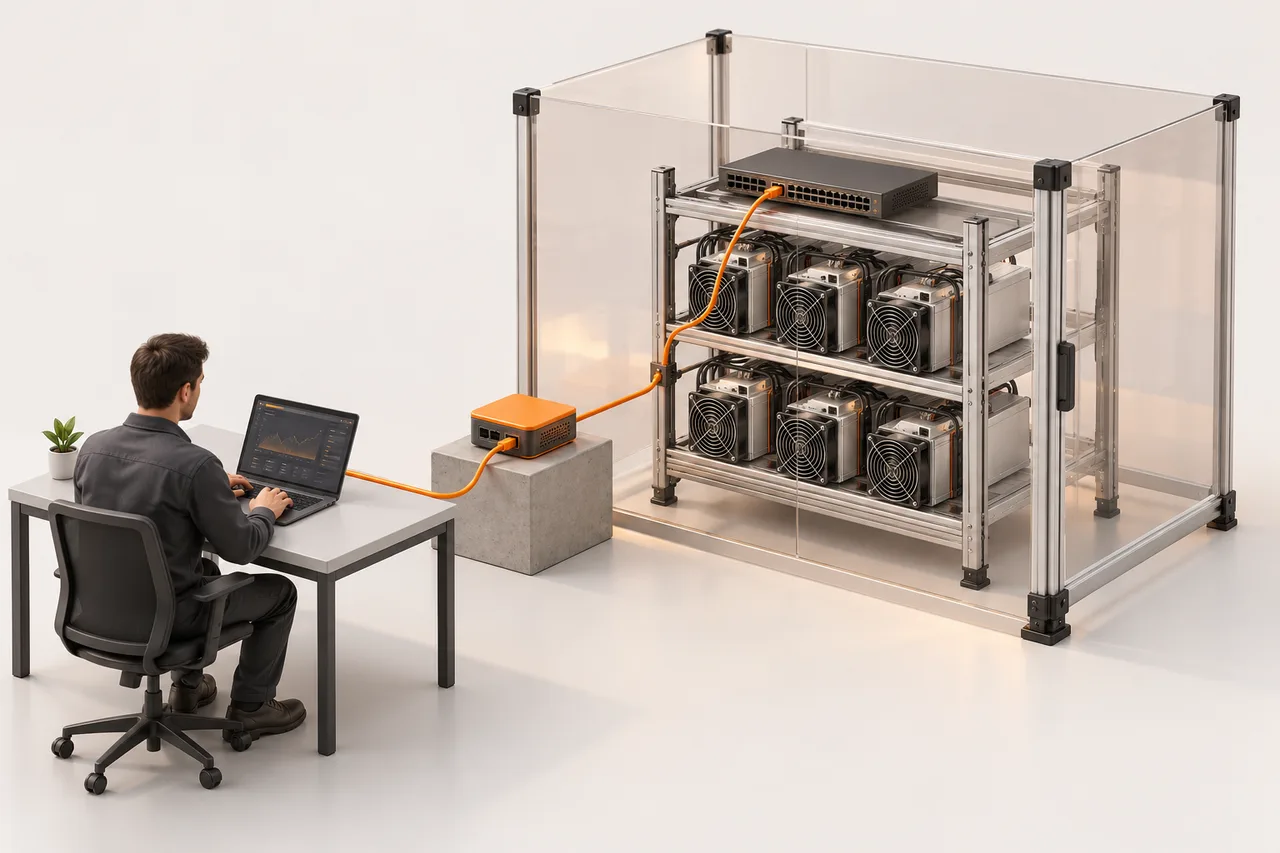
As an operating practice, keep miner administration on a controlled management network and use an authenticated remote-access path. Avoid exposing device administration directly to the public internet. Separate guest access from equipment management and remove access when a contractor leaves. Review router and firewall changes with the person responsible for the site network.
Keep software provenance visible
Obtain firmware from the manufacturer or a supplier you have explicitly evaluated. Record its release, model support and update date. BITMAIN’s security-firmware documentation describes measures such as blocking unsupported images on applicable devices; those protections are model-dependent and do not replace network access controls. Do not assume every older controller behaves the same way.
Distinguish transport security from device security
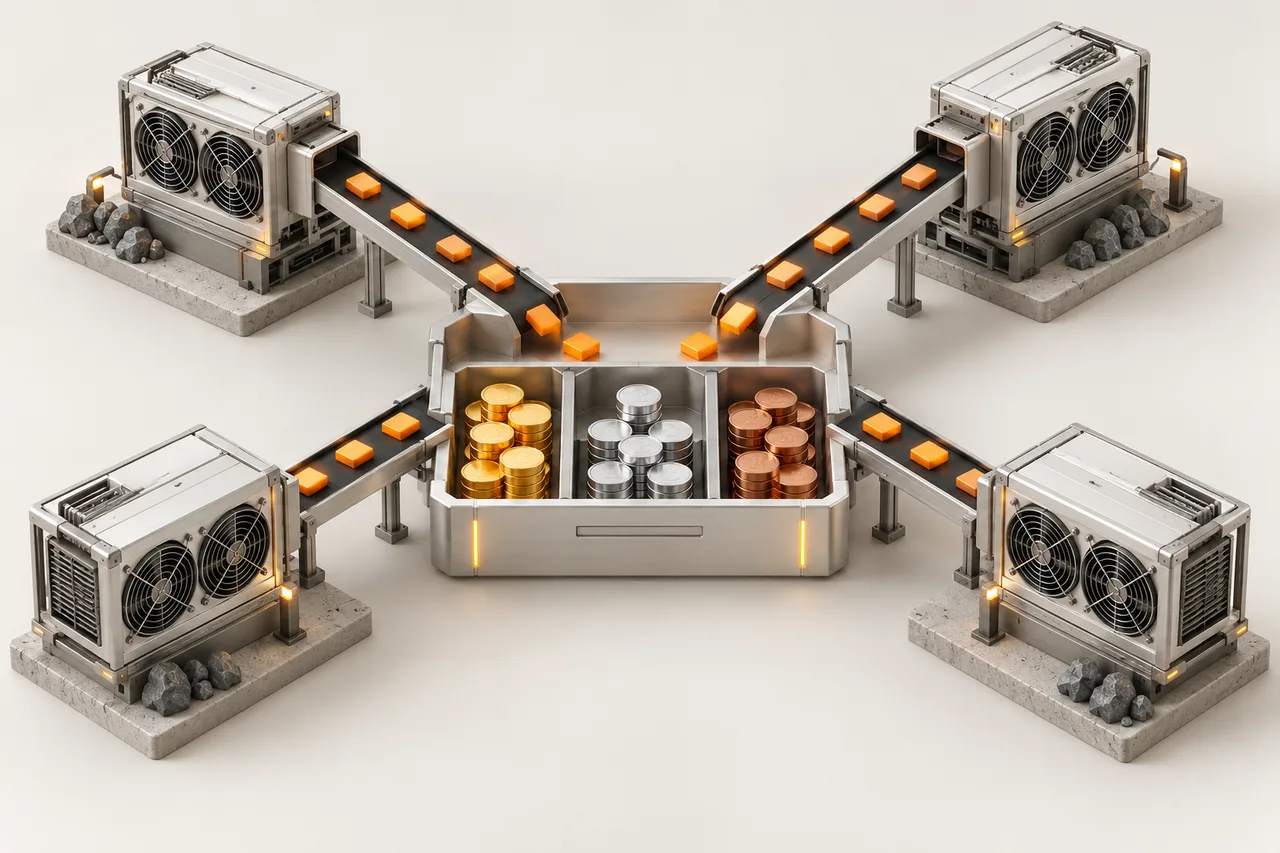
Stratum V2 includes authenticated, encrypted communication. Deployment still depends on the miner, firmware, pool and possibly a translation proxy. Check which link in your installation uses which protocol. Encrypting a pool connection does not secure an exposed management password or a compromised monitoring computer; document both boundaries separately.
Respond to an unexpected configuration change
Capture the current configuration and logs, then isolate the affected management path. Compare against the last approved pool and firmware records. Rotate compromised credentials through a trusted device, restore a verified configuration and inspect peers sharing the same access. Monitor accepted work and payout settings after recovery; a reboot alone does not show that the access problem is fixed.
References
Original documents and further reading. Check the manual for your exact equipment.