On this page
Keep a small, repeatable operating log
Record the device identifier, operating mode, online state, matching hashrate windows, power and active alarms. Note maintenance and restarts in the same log. Looking at one number without its time or conditions makes comparison difficult. Establish a normal range from the model documentation and your validated baseline; do not reuse thresholds from an unrelated machine.
Classify the symptom before changing settings
Ask whether the device is unreachable, reachable but not hashing, or hashing locally while the pool reports less work. Those are different observations. Vendor troubleshooting guidance treats network connections, pool configuration, temperatures and hardware state as distinct checks. Record the symptom precisely so the next action tests one explanation rather than changing several settings at once.
| Observation | First record to inspect |
|---|---|
| Device unreachable | Network link and assigned IP |
| Worker absent | Pool address, worker format and connection status |
| Pool average is low | Matching windows, uptime and rejected work |
| Repeated hardware alarm | Timestamped logs and model-specific support guide |
Preserve logs before restarting
Save the error text, timestamp and relevant dashboard readings before a restart removes context. Record the last known change: firmware, operating mode, network, coolant service or ambient conditions. Avoid repeated resets when the symptom is unexplained. Isolate equipment with abnormal heat, liquid leakage or electrical damage and refer it to the responsible service team.
Send a useful support package
Provide the exact model and serial number, firmware, fault time, logs and a concise description of what changed. Include results of the checks already completed and the current equipment state. Remove passwords, private keys and unrelated network details from screenshots. After repair, repeat the baseline test and record the result instead of closing the case solely because the device boots.
Use condition and history to plan service
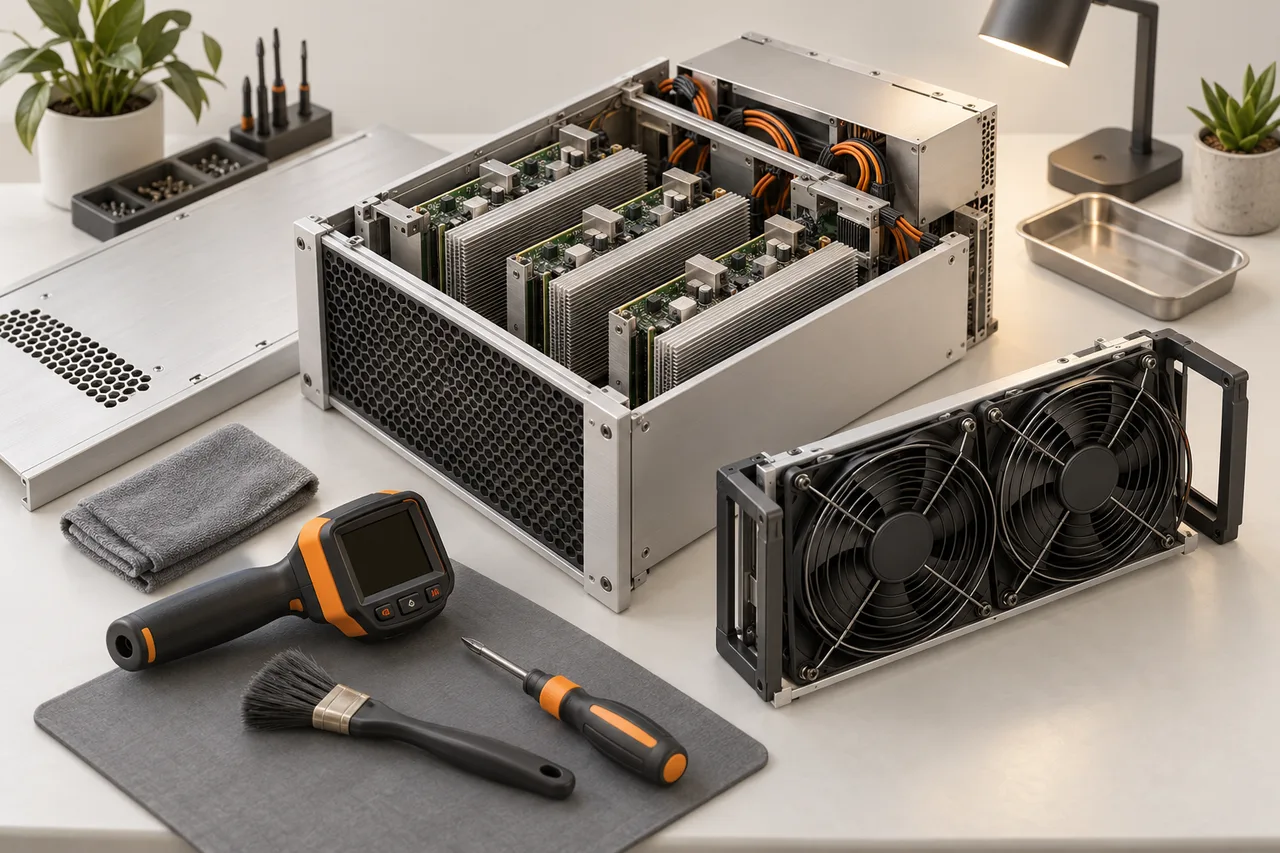
Keep a short history of inlet conditions, recurring alarms, cleaning, filter changes and repair work. Look for trends rather than one isolated reading. If a group needs service more frequently after a site change, investigate the shared cause. Follow the exact model’s cleaning and isolation procedure, and record what was done so a later improvement or fault can be interpreted.
Confirm recovery under load
After service, compare board detection, accepted work, power and alarms against the prior validated baseline. A machine that boots but repeatedly restarts has not completed recovery. Close the record with the observed period, remaining issues and any follow-up check. If a part was replaced, attach its identity to the equipment history rather than overwriting the original record.
References
Original documents and further reading. Check the manual for your exact equipment.