HostingBlog
ProductCooling SystemsProfit RankingHostingBlogAbout UsMore
CartLeedMiner

Your cart is empty

Browse products or send a quote request when you are ready.

Browse miners
Home/Learn/Cooling & deployment
Cooling & deployment3 min readReviewed 2026-10-08

From delivery to the first accepted share

A practical handover sequence: identify the device, confirm the site, configure the worker and record a baseline.

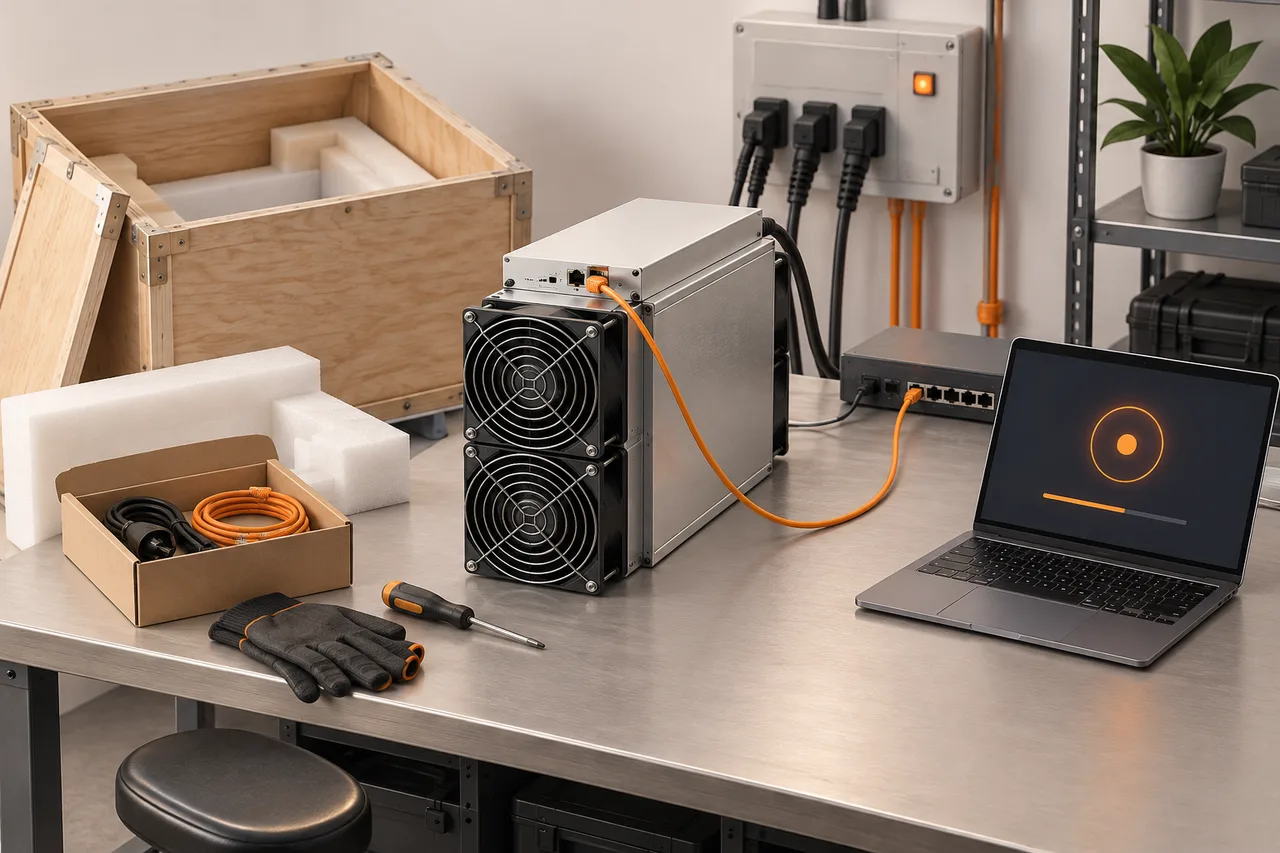
Unpacked miner, commissioning laptop and network switch
ON THIS PAGE01Identify what arrived02Complete the site check before startup03Configure one identifiable worker04Save a baseline before expanding05Follow startup through to the first accepted work06Leave a usable handover for the next operator↗References
← All guides
On this page+
01Identify what arrived02Complete the site check before startup03Configure one identifiable worker04Save a baseline before expanding05Follow startup through to the first accepted work06Leave a usable handover for the next operator↗References
01

Identify what arrived

Match the model, serial number, quantity and accessories to the order. Photograph packaging and visible damage before changing anything, and record the delivered condition. Keep the model manual available at the workstation. Acceptance criteria should distinguish delivery completeness from an operating test; receiving a box does not verify performance.

02

Complete the site check before startup

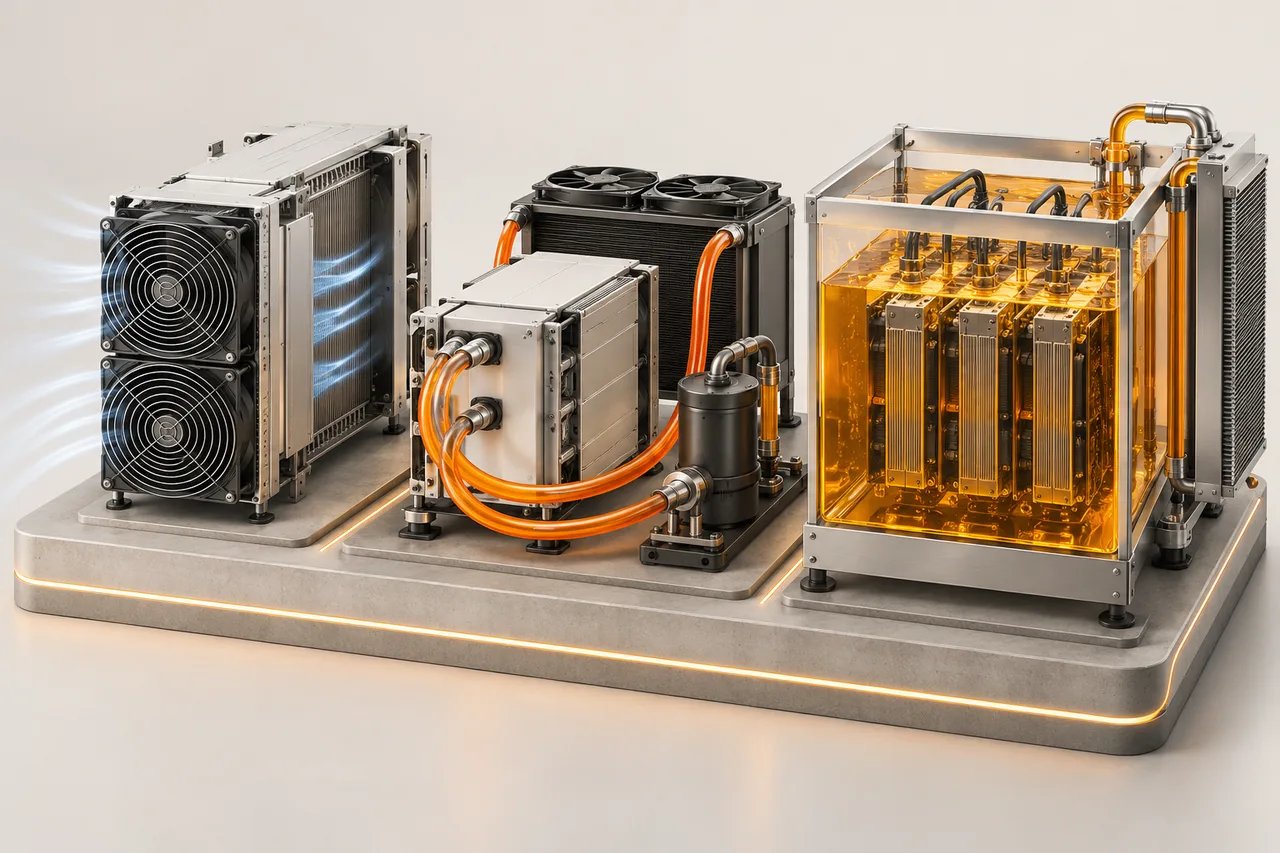
Have the power supply and protective arrangements checked for the exact equipment by a qualified installer. Confirm the required cooling system is operational before startup; a hydro miner needs its compatible heat-removal loop. Keep network access available and label the physical unit so the dashboard can be matched to the right machine. Follow the model’s startup sequence, not a generic video.

03

Configure one identifiable worker

From the official pool instructions, copy the documented server address and enter the worker name in the required format. Use a naming convention you can map to a rack and device. Apply the settings, then check both the miner and the pool. A saved configuration only proves that a setting was stored; accepted work on the pool establishes that the connection is productive.

04

Save a baseline before expanding

After the device settles into its intended mode, record firmware, local and pool hashrate windows, power, temperatures and alerts. Keep one operating record per serial number. Resolve unexplained alarms before copying settings to the next batch. When something later changes, this baseline lets you compare the same device under known conditions.

  • Order and serial number matched.
  • Cooling and power checks completed.
  • Accepted work visible in the correct pool account.
  • Operating mode and baseline saved.
05

Follow startup through to the first accepted work

Locate the machine through the documented network discovery method, configure the official pool endpoint and save the worker identity. Check local status and then the pool view. If the device is reachable but the worker is absent, inspect account formatting and connection messages before changing power settings. Record the first accepted work time as part of the commissioning log.

Braiins Academy · Bitcoin mining setup ↗
06

Leave a usable handover for the next operator

Store serial number, management address, worker name, approved mode, firmware version and baseline readings together. Keep credentials in the appropriate secret store, not in a shared screenshot. Include the shutdown and cooling procedure from the actual model documentation and the support contact. The next operator should be able to identify the machine and its normal state without guessing.

References

Original documents and further reading. Check the manual for your exact equipment.
  • Braiins Academy · Bitcoin mining setup ↗
  • BITMAIN · Hydro operating requirements ↗
  • BITMAIN · Troubleshooting ANTMINER failures ↗

Put it into practice

Monitor and troubleshoot ↗Check pool settings ↗

Keep learning.

All guides ↗
Cooling & deployment

Air, hydro and immersion cooling

Air, hydro and immersion move heat differently. Compare the whole installation, not the cooling label alone.

3 min read↗
Pools & operations

Choose a pool and understand payouts

Compare the supported network, payment method, payout threshold and account controls before moving hashrate.

2 min read↗
Pools & operations

Monitor miners and investigate low hashrate

Use a consistent observation log to separate dashboard variation, network problems and equipment faults.

3 min read↗

Leedminer offers competitive miner prices, accelerating your Return on Investment (ROI).

+86 133 5291 7253info@leedminer.com

Information

  • Shop
  • My Account
  • Miners' Profitability
  • Coin List
  • Halving Countdown
  • Blog

Support

  • Contact Us
  • FAQs
  • Payment Methods
  • Return & Warranty
  • Terms & Conditions
  • Privacy Policy

Company

  • About Us
  • Our Team
  • Exhibitions
  • Partners
  • Fraud Prevention
LEEDMINER

© 2017-2026 LeedMiner All rights reserved. Storefront locale English · leedminer.com

We use cookies to improve your experience.

Cookie Settings

We use essential cookies for cart and account sessions. Optional analytics and marketing scripts only load after consent.

Privacy Policy