HébergementBlog
ProduitsSolutions conteneurClassement de rentabilitéHébergementBlogÀ propos de nousMore

Préférences du site

Apparence
PanierLeedMiner

Votre panier est vide

Parcourez les produits ou envoyez une demande de devis lorsque vous êtes prêt.

Voir les mineurs
Accueil/Blog/How to Set Up Canaan Avalon Q: Wi-Fi, App and Mining Pool
Retour au blog

How to Set Up Canaan Avalon Q: Wi-Fi, App and Mining Pool

Setup11 avril 20254 min de lecture
11 avril 20254 minutes de lectureMis à jour 13 août 2026

Configure Canaan Avalon Q with firmware, network, and pool settings.

Par Rédaction LeedMiner
XFacebookLinkedIn
How to Set Up Canaan Avalon Q: Wi-Fi, App and Mining Pool

Sommaire

SUMMARYUnboxing and What’s InsideGet to Know the MinerFront Panel Overview:Back Panel:Connect via Avalon Family AppTo set it up:Access the Dashboard on Your PCConfiguring the Mining PoolChoose Your Power ModeCheck the Noise LevelsFinal ThoughtsRelated LeedMiner Guides

Partager l'article

XFacebookLinkedInPinterestWhatsAppTelegram

SUMMARY

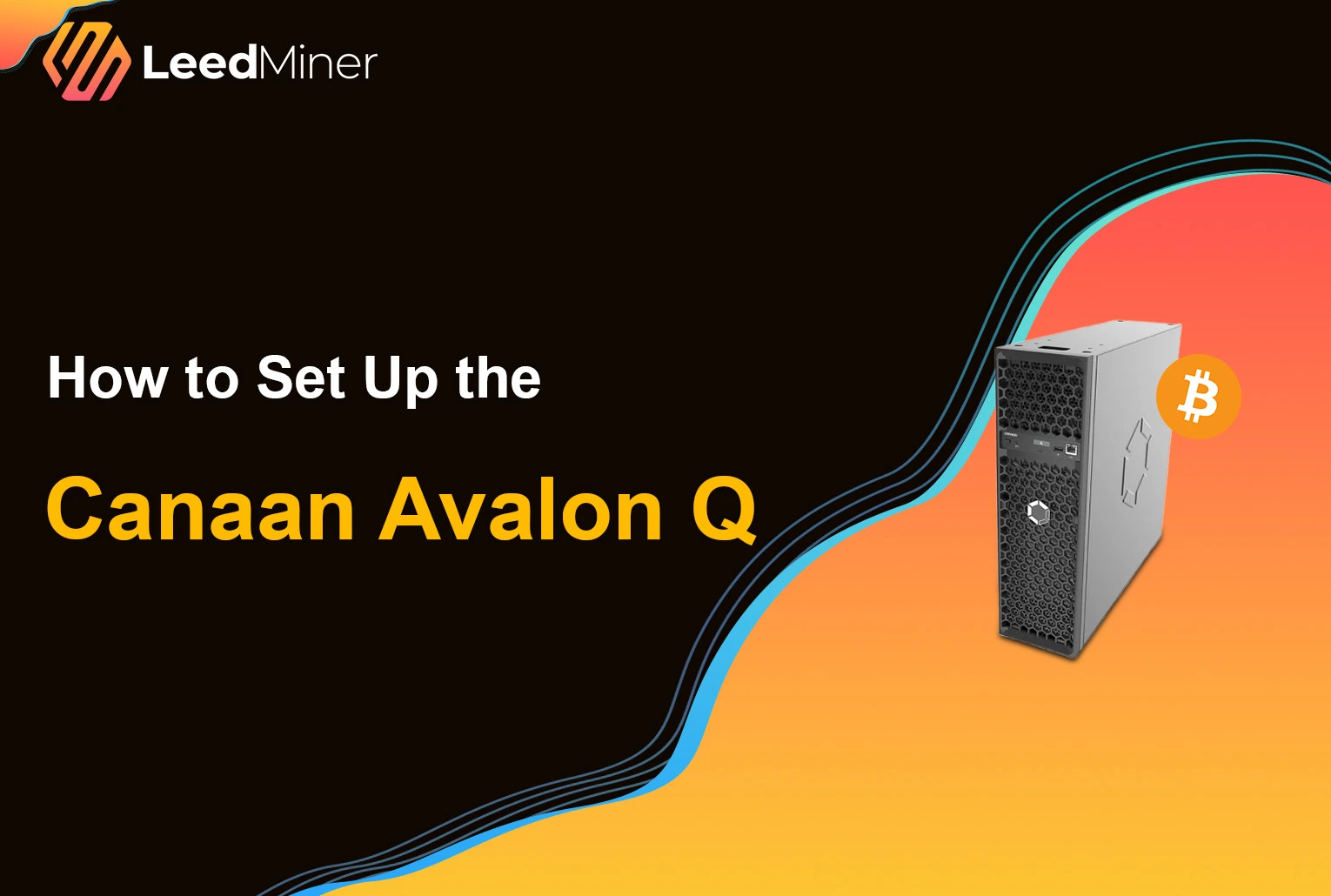
The Canaan Avalon Q is designed with home users in mind — it’s compact, easy to manage via mobile, and most importantly, quiet. If you’re looking to start mining Bitcoin without the usual noise and complexity, here’s a step-by-step guide to get your Avalon Q up and running in no time.

Unboxing and What’s Inside

Avalon Q Miner and All Accessories

Inside the box, you’ll find:

  • Multilingual user manual
  • USB WiFi adapter
  • Anti-slip rubber feet
  • Power cable
  • F2Pool discount card (25% fee reduction)

The miner itself is protected by thick foam, ensuring safe delivery — a hallmark of Canaan’s Avalon Family.

Get to Know the Miner

The Avalon Q weighs about 11.2 kg — compact enough for your living room or home office.

Front Panel Overview:

  • USB port: For the WiFi adapter
  • Power & Reset buttons
  • LCD screen: Shows IP address, power use, and operation mode
  • LAN port (optional use)
  • Dust filter cover: Removable with washable dual filters
Avalon Q Front Panel

Back Panel:

  • Power input & main switch
  • Quiet exhaust fan for hot air removal
Avalon Q Back Panel

Maintenance Tip:

Connect via Avalon Family App

You can control everything from your phone using the Avalon Family App (iOS & Android).

To set it up:

  • Plug in the miner and insert the USB WiFi adapter
  • Launch the app → Tap “Add New Device”
Connect via Avalon Family App 1
  • The app will auto-detect the Avalon Q
Connect via Avalon Family App
  • Connect to your home WiFi
Connect via Avalon Family App2
  • Change the default password (optional but recommended)

Access the Dashboard on Your PC

Want desktop access too?

  • Check the IP address on the LCD
Check the IP address on the LCD
  • Enter the IP in your browser
  • Use the Avalon Family App to scan the QR code shown on your computer screen
Access the Dashboard on Your PC Access the Dashboard on Your PC 1

Configuring the Mining Pool

Using the app:

  1. Go to Pool Configuration
  2. Enter your mining pool URLs (get these from your pool provider)
  3. Set your Worker Name (e.g., username.001)
  4. Set a Password (123 works fine unless otherwise specified)

Tip: Avalon Q works well with F2Pool and offers regional server options.

Connect to a Mining Pool

Choose Your Power Mode

You can toggle between three performance levels depending on your setup:

ModeHashratePower Usage
Eco52 TH/s800W
Standard75 TH/s1300W
Super93 TH/s1800W
Choose Your Power Mode

Suggestion: Use Super Mode during the day with solar panels, and switch to Eco Mode at night to reduce noise and power cost.

Check the Noise Levels

Unlike traditional miners, the Avalon Q is whisper-quiet:

ModeSound Level
Eco45–52 dB
Standard52–55 dB
Super60–66 dB

That’s a big improvement over older miners like the Antminer S9 (75–80 dB). You can actually run this unit in your living room without disturbance.

Decibel mode comparison

Final Thoughts

Setting up the Canaan Avalon Q is simple, intuitive, and perfect for home environments. Whether you're a beginner or a veteran miner looking for a silent option, this device delivers efficiency with peace and quiet. If you’re tired of noisy rigs and complex setups, the Avalon Q might just be your ideal mining companion.
Related LeedMiner Guides

  • Review Canaan Avalon Q specifications
  • Understand pool URLs, ports and shares
  • Compare the Avalon home-mining range

FAQ

Articles associés

Litecoin and Dogecoin merged mining editorial cover featuring the approved Antminer L9 catalog photograph26 septembre 2026Why Litecoin Is Rising—and What LTC Miners Should Watch

An LTC price rally does not tell the whole Scrypt mining story. Compare Litecoin and Dogecoin revenue together, and dedu

BCH rally editorial cover featuring the approved Antminer S21 XP catalog photograph26 septembre 2026Why BCH Rallied—and What It Means for Bitcoin Cash Miners

CME’s planned BCH futures provide a concrete news backdrop to the rally. Here is how to separate the price story from ac

Approved iBeLink and Goldshell product images presented with a real compatibility test-bench setting8 septembre 2026BTCB2 Miner Compatibility: Six Confirmed Models and the Models Still Unverified

A model-by-model BTCB2 guide covering BM-S3+, BM-S3, SC Lite, SC5 Pro, SC-BOX, HS5 Sia mode, pending models, power and p

Besoin d'aide ?

Leedminer propose des prix compétitifs sur les mineurs pour accélérer votre retour sur investissement.

+86 133 5291 7253info@leedminer.com

Informations

  • Boutique
  • Mon compte
  • Rentabilité des mineurs
  • Liste des monnaies
  • Compte à rebours du halving
  • Blog

Assistance

  • Nous contacter
  • FAQ
  • Moyens de paiement
  • Retours et garantie
  • Conditions générales
  • Politique de confidentialité

Entreprise

  • À propos de nous
  • Notre équipe
  • Salons
  • Partenaires
  • Prévention de la fraude
LEEDMINER

© 2017-2026 LeedMiner Tous droits réservés. Langue de la boutique Français · leedminer.com

Nous utilisons des cookies pour améliorer votre expérience.

Paramètres des cookies

Nous utilisons des cookies essentiels pour le panier et les sessions de compte. Les scripts optionnels d’analyse et de marketing ne se chargent qu’après consentement.

Politique de confidentialité